
Call handling
Take emergency calls, ask questions and turn incomplete caller information into an operational CAD record.
Handle calls. Build CAD records. Dispatch resources. Coordinate police, ambulance and fire — alone or with a multiplayer control room.
Emergency Operations is being built around the complete control-room workflow: receive information, question callers, create incidents, prioritise demand, dispatch resources and manage the consequences.
Take emergency calls, ask questions and turn incomplete caller information into an operational CAD record.
Assign appropriate resources, track units and react to changing incident information across multiple services.
Work across gateway, call-handling, dispatch, supervisor and configurable multiplayer station roles.
Incidents have hidden truth, changing conditions, duplicate callers, escalation and server-authoritative online state.
Sign in with a Farlestone account, keep cloud data and use persistent login sessions across supported clients.
Creator and community systems are being developed so scenarios and operational experiences can grow over time.
Online sessions use a dedicated game server rather than relying on one player's browser to own the simulation. Stations, permissions, reconnection and recovery are built around a shared authoritative session.
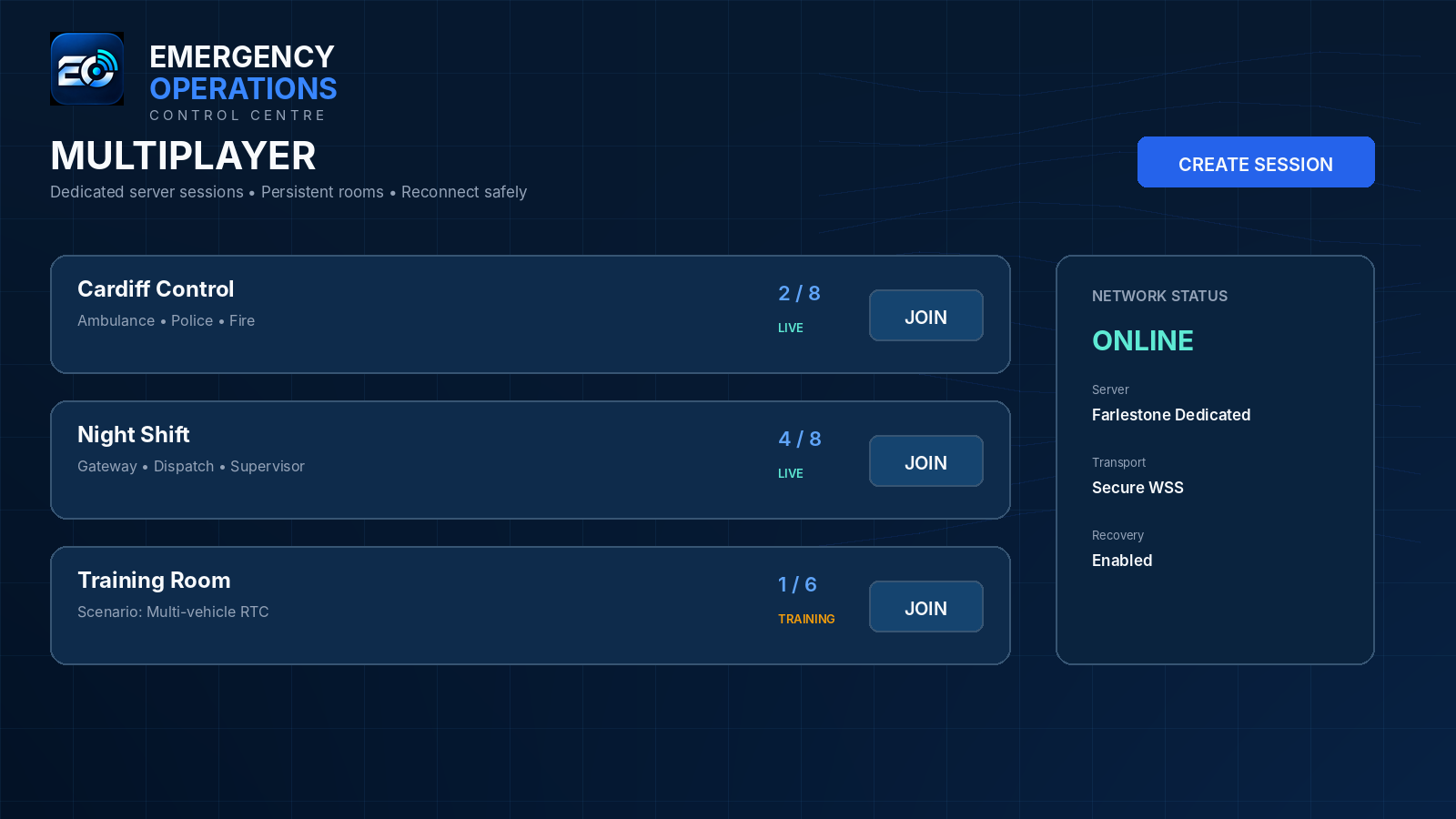
v2.6 introduces the Windows desktop client using Tauri. Online Mode connects to the production Farlestone service; Offline Mode launches the bundled game locally for single-player use.
Accounts, cloud data and dedicated multiplayer through the production Emergency Operations service.
Bundled single-player client with local saves when you do not want or cannot use online services.
The optional browser version remains available at play.emergencyoperationsgame.com.
Windows Desktop Client · NSIS installer · Online + Offline Mode
The current release line has moved from browser-hosted multiplayer toward dedicated services, persistent platform data and a Windows desktop client.
Simulation authority moved into the Node dedicated game server for online sessions.
PostgreSQL-backed identity/cloud foundations and production hardening were combined into one release.
Tauri desktop launcher, server readiness checks and bundled Offline Mode.
Automatic updates, signing and recovery are planned as a dedicated future milestone.
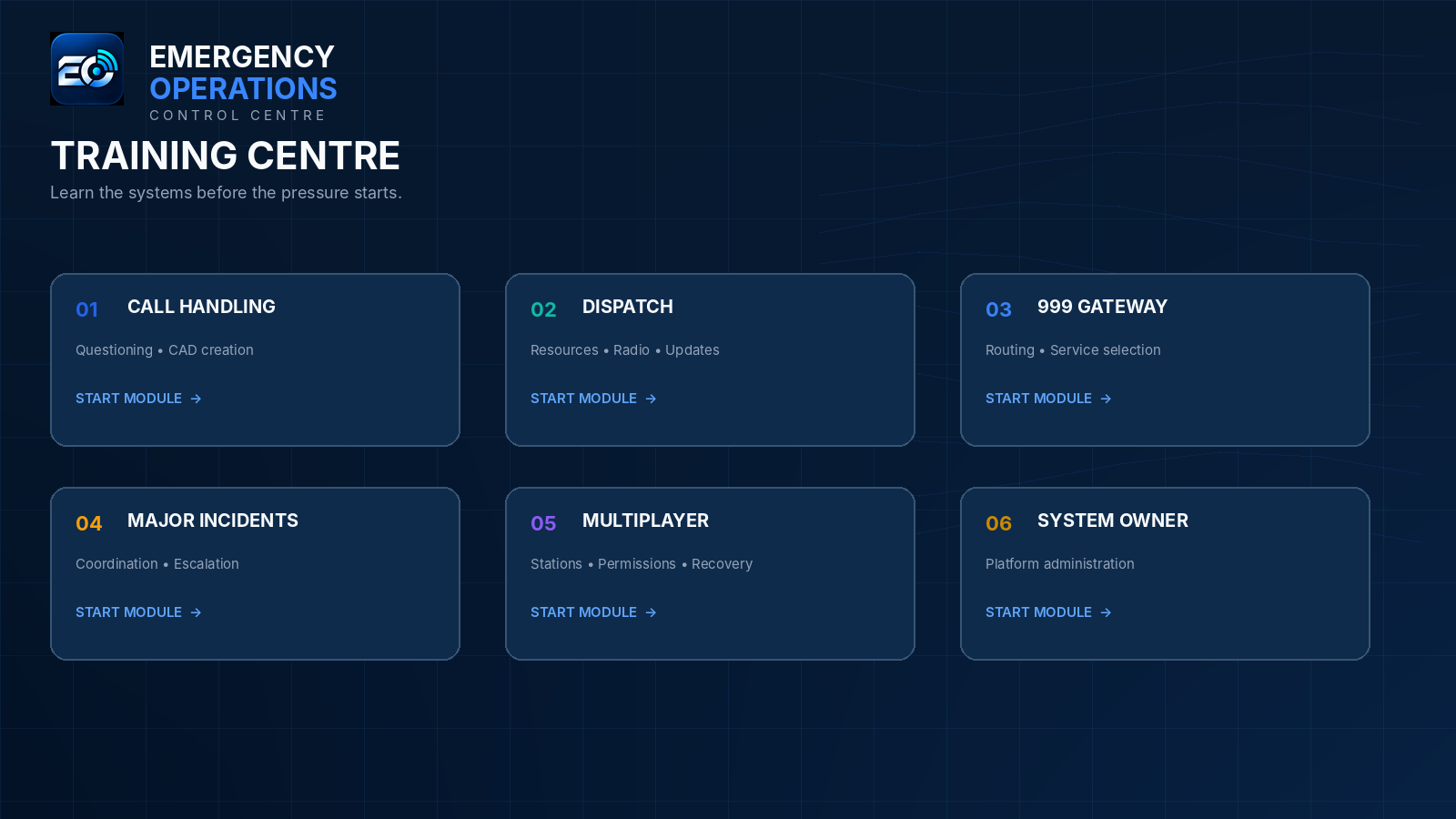
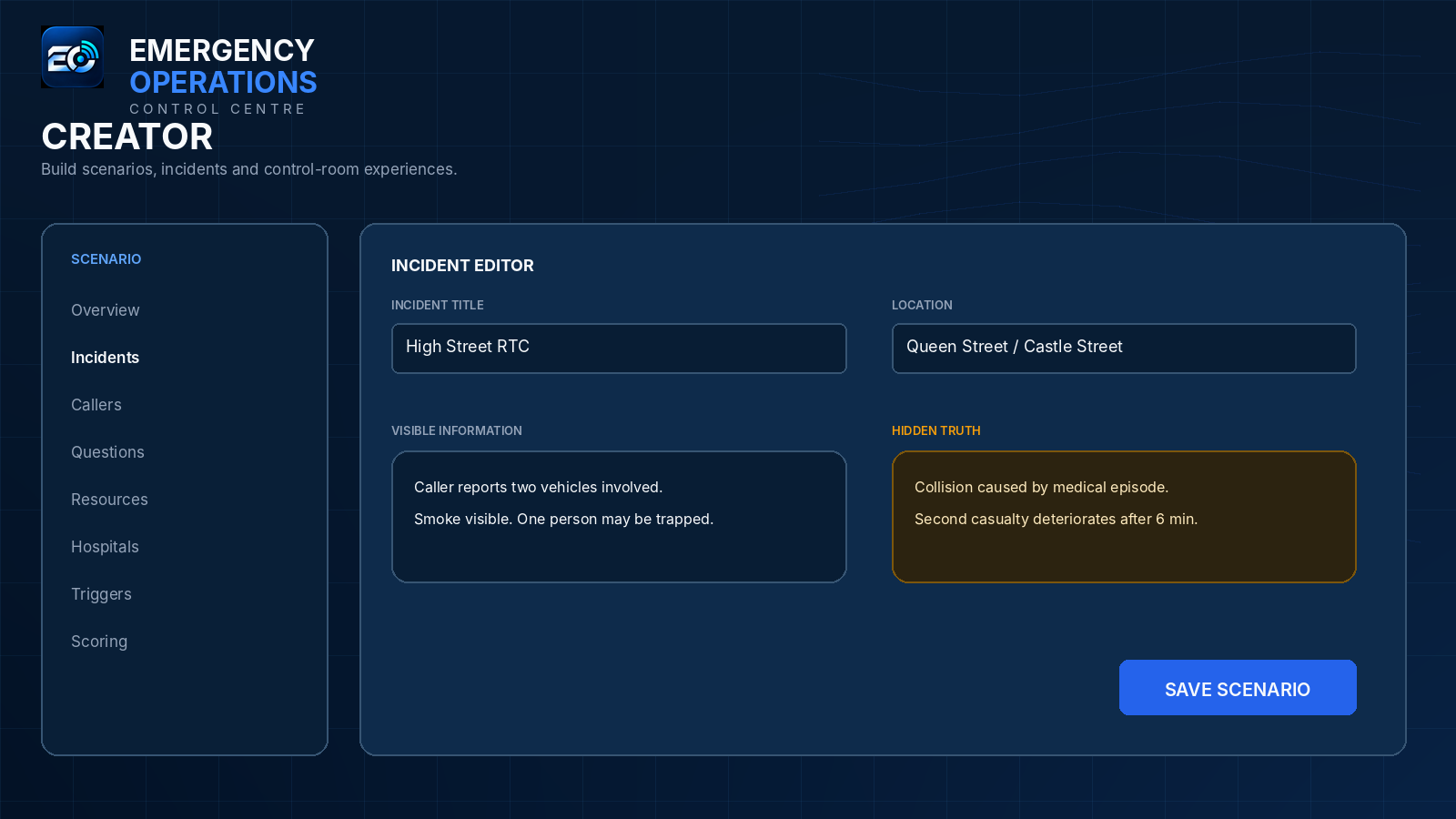
The wider product direction includes structured training, creator tools, community content, staffing and management, career/story systems, major incidents and deeper service-specific workflows.
Start with v2.6 →For platform information, support updates and company details, use the Farlestone Technologies website. The browser client remains available if the desktop application cannot be used.